
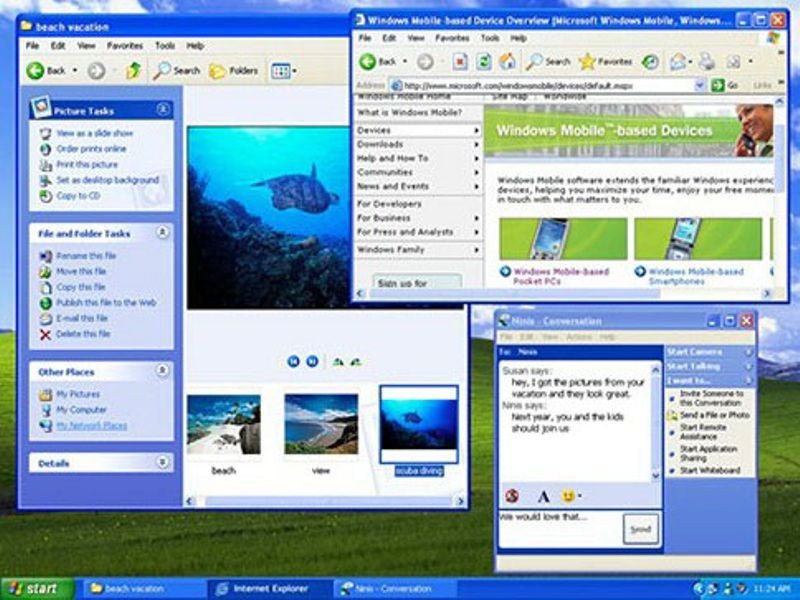
For many people, the computer of the 2000s had a green hill, a blue taskbar and a startup sound that seemed to announce the beginning of another part of the day. Windows XP became the setting for homework, games, photographs, music and conversations that were supposed to last five minutes.
Its cultural identity is unusually strong for an operating system. You can remember the desktop and, almost immediately, the desk around it: speakers, a printer, a stack of CDs and somebody asking when you were going to let them use the computer.
XP’s longevity mattered, but so did its timing. It arrived while the household PC was becoming a center of social life and entertainment.
- 2001Windows XP launches on October 25, bringing a new interface and an NT-based foundation to the mainstream home desktop.
- 2004Service Pack 2 introduces major changes to the security experience.
- 2014Support for ordinary Windows XP editions ends on April 8, more than twelve years after launch.
2001: a new look on a different foundation
Windows XP became available worldwide on October 25, 2001. Home Edition and Professional addressed different audiences, while the XP name emphasized the idea of an “experience.”
The change was more than visual. Microsoft’s consumer Windows line had followed a different path from the NT-based systems associated with professional use. XP brought the NT foundation to mainstream home users, drawing on the architecture behind Windows 2000.
That transition helped establish a more stable basis for everyday computing. It did not make every driver, application or installation problem disappear, but it was a significant change beneath the friendly desktop.
Our look at the technologies of 2001 places XP alongside the devices and services that were changing what people expected a computer to do.

The interface wanted to feel approachable
The default Luna appearance used saturated color, rounded shapes and a prominent green Start button. Compared with the gray surfaces many users knew, it could feel like a more welcoming place to spend time.
The redesigned Start menu, task-oriented folder panels and visual user accounts helped give everyday actions a recognizable setting. On a shared machine, choosing your account could feel like entering your own room inside somebody else’s house.
Not everybody wanted the new look. Some preferred the familiar classic appearance, and others quickly began replacing the default wallpaper, icons and sounds. XP’s identity includes both its official design and the many ways people made it less official.
Bliss was a photograph, not a generated landscape
The default wallpaper became one of the most familiar images associated with personal computing. Its bright hill and blue sky could be recognized across a classroom or from the other side of a shop.
Microsoft’s retrospective identifies Bliss as a real California photograph by Charles “Chuck” O’Rear. The image was not a landscape assembled inside the operating system; it had existed as a photograph before becoming the background to millions of unrelated activities.
That contrast helps explain its strange emotional life. A quiet outdoor scene became associated with indoor waiting, clicking and discovery. The view could remain perfectly calm while everything in front of it was demanding attention.
The desktop collected an entire digital routine
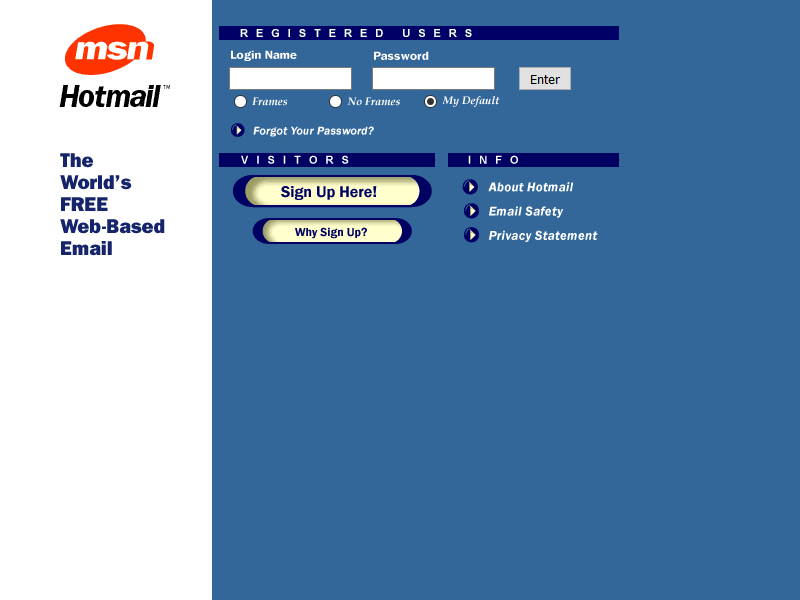
A typical session might move between a school assignment, Messenger, a music player and a browser. The taskbar recorded the competing priorities, including the game you minimized when somebody entered the room.
Internet Explorer 6 shipped with XP and became a familiar route into email, search engines, forums and personal websites. Third-party software expanded the routine further: media players, codecs, games, image editors and file-sharing programs.
Installing software became a regular activity, sometimes performed with more enthusiasm than attention. An unwanted toolbar or changed browser homepage could be the price of clicking through too quickly.
The desktop was therefore both a useful workspace and a record of experiments. Its clutter often revealed what the household had been trying to do.
Photos and music gave the computer another job
Digital cameras produced folders full of images. MP3 players needed libraries. CD burners turned playlists into objects that could leave the computer and enter a car or portable player.
The PC became the place where those activities met. It stored the family photographs, organized some of the music and held files that nobody remembered naming. A folder could become a personal archive almost by accident.
XP did not create those technologies, but it became a common interface through which people encountered them. The operating system’s sounds and shapes attached themselves to experiences happening in many different programs.
Internet cafés made the interface familiar beyond the home
In many places, including much of Latin America, an internet café offered access that was unavailable or inconvenient at home. A session could involve email, a printed assignment, a game and an urgent conversation before the paid time ran out.
Recognizable software reduced the distance between one machine and another. You might sit at an unfamiliar desk and still know where to begin. The same desktop conventions appeared in homes, schools, offices and rows of rented computers.
That shared visual language helped XP become a cultural reference even for people who did not own a PC during its early years.

Service Pack 2 changed the security story
The increasingly connected PC also faced malware, intrusive software and network attacks. A more stable operating system was not automatically a safe one, especially when users were still learning how to judge downloads and attachments.
Microsoft released Windows XP Service Pack 2 to manufacturing in August 2004. It strengthened default security settings and introduced the Windows Security Center alongside changes to the firewall, browser protections and other components.
The update was substantial enough to change the everyday experience of using XP. It also demonstrated how much the environment had changed since the original release. The computer was spending more of its life connected to a network, and its defenses had to reflect that.
Replacing a familiar system was not a small decision
Windows Vista arrived in 2007, but XP remained attractive to users with working hardware and software they already understood. Compatibility, performance and the cost of replacing equipment could matter more than having the newest interface.
Windows 7 made a later transition appealing to many people, yet some organizations still depended on applications and devices built around older installations. A system could survive because replacing the work around it was complicated.
That persistence should not be confused with an argument that old software remains suitable indefinitely. Familiarity and current support are different things. The long life of XP demonstrates how deeply software can become connected to an organization’s routine.
The official ending did not erase the memory
Microsoft ended ordinary Windows XP support on April 8, 2014. The system was more than twelve years old, and the consumer technology around it had changed enormously.
The remembered experience was never flawless. Frozen applications, driver trouble, malware and the occasional desperate trip to Task Manager belonged to it, too. Nostalgia tends to retain the successful moments more generously than the evenings spent troubleshooting.
What remains is the association with a place. In many homes, “using the computer” meant going to a particular desk, negotiating time with somebody else and entering a shared machine through a personal account.
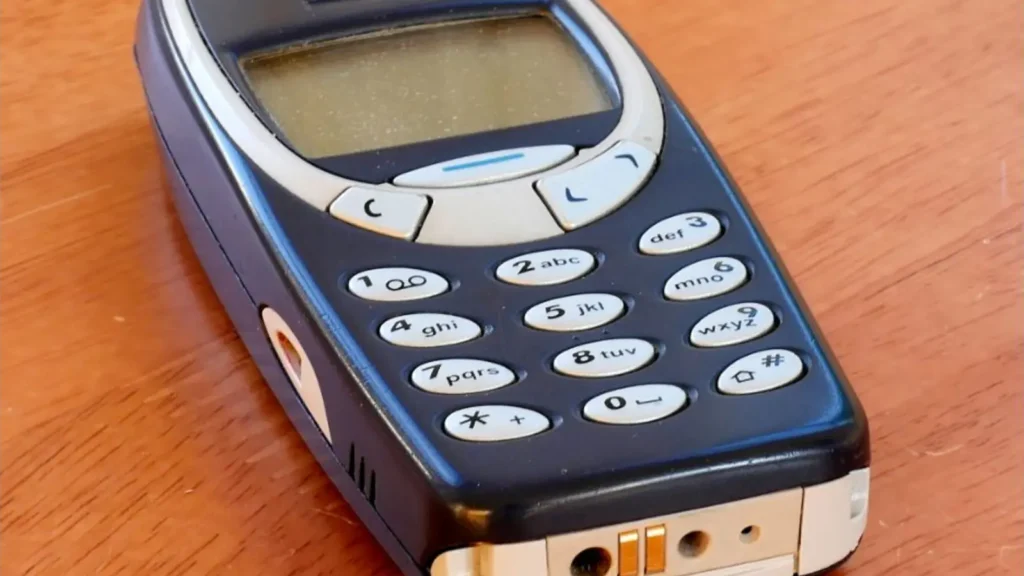
Phones made digital life more portable and individual. XP belongs to the period when a family PC could still feel like a destination. Its hill, sounds and green button became the scenery for the first part of many people’s online lives.

Shared memories