RETRO FIELD GUIDE / THE NOSTALGIA FILES
There was a kind of game you could recommend in one sentence and start before a long download finished. A page, a loading bar, a few controls, and suddenly the browser was a playground. When an old favorite now shows an empty rectangle, it can feel as though the whole era vanished with it.
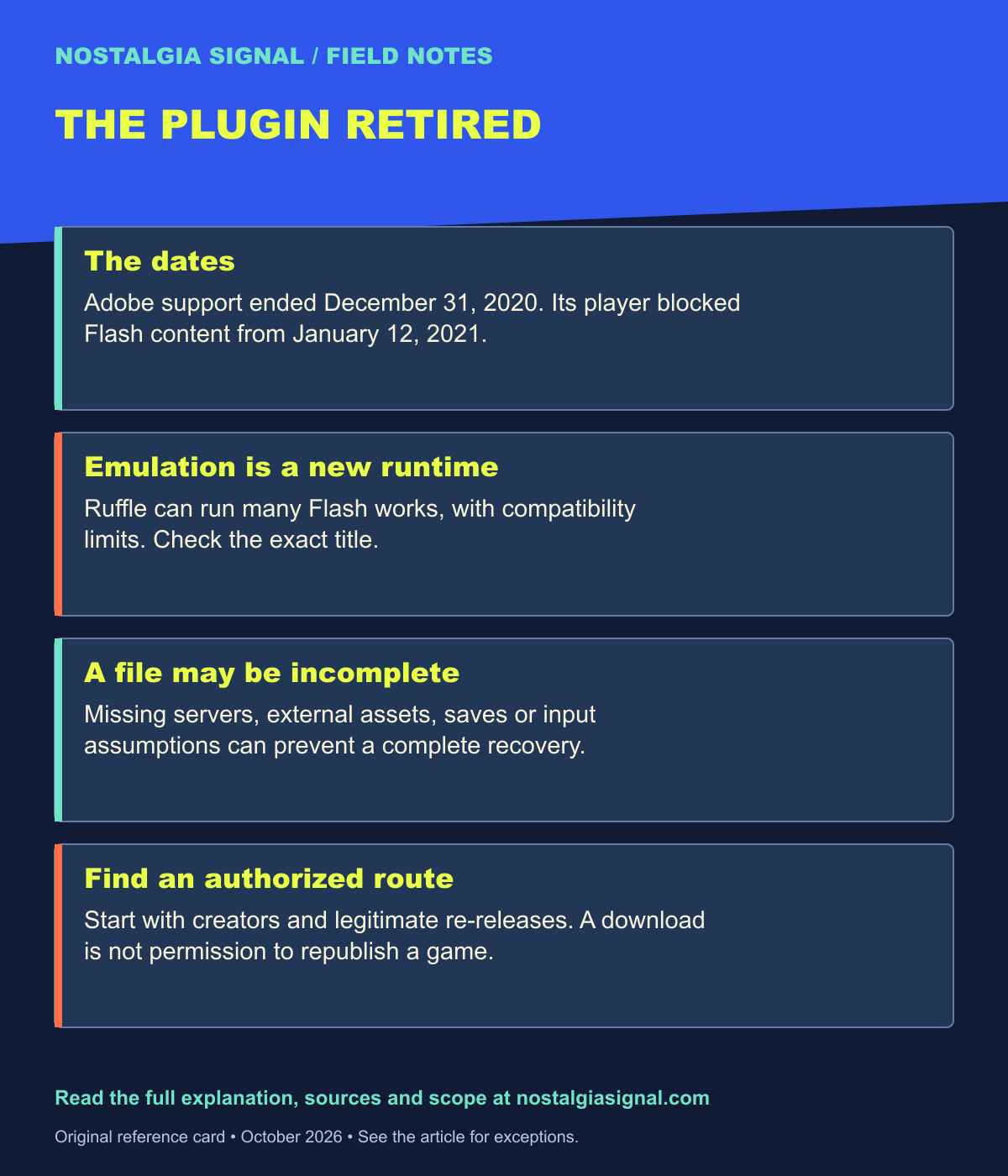
Adobe ended Flash Player support on December 31, 2020, and blocked Flash content from running in its player beginning January 12, 2021. Some games remain playable through creator-approved re-releases, preservation projects or Flash emulation, but no single solution restores every title and online service.
The distinction between a missing plugin and a missing game matters. A file can survive even when the original way of executing it has disappeared. Equally, an emulator cannot supply a vanished server simply by drawing the old start screen.
First, a small game with no plugin
Can you turn every light off?
Tap a square. It changes itself and the squares next to it. Keep going until the board is dark—there is no timer.
How it works
The starting board has five illuminated squares in a cross. Press row 2, column 2 once to clear it. More moves create other solvable arrangements. This small toy evokes quick browser play; the article distinguishes preservation, emulation and modern remakes.
An original modern browser puzzle, not a recovered Flash game. No plugin, account or score upload. Open “How it works” to read a solution.
Signal Grid is an original modern JavaScript puzzle made for this article. Switch off every illuminated square; each press changes itself and its direct neighbors. Tab and Enter work alongside touch. There is no timer, account, score upload or automatic sound.
It is not a recovered Flash title. It demonstrates one part of the old browser-game appeal—a compact idea you can try immediately—without borrowing a creator’s game or asking you to install obsolete software. The written solution is available in the feature’s explanation.
The platform retired, not the idea of browser games
Flash bundled a runtime with a large creative ecosystem. Games, animations and interactive pages could be distributed as content that the player understood. Once browsers and the player stopped supporting that arrangement, old embeds no longer had their expected environment.
Adobe’s end-of-life notice recommends uninstalling the retired player and directs users away from unsupported downloads. Reinstalling a random “Flash update” is not the sensible route to a nostalgic afternoon.
Modern web technologies can still run games. A creator can rebuild or port an old idea, but a modern remake is a new implementation. It may reproduce a familiar experience without executing the original Flash content. That can be an excellent outcome while remaining a different form of preservation.
What an emulator changes
Ruffle is an open-source Flash emulator. Its goal is to run existing Flash content through a new implementation of the runtime rather than revive the discontinued Adobe plugin. It can be used by content owners on websites and through supported user-facing distributions.
The project’s compatibility information is the right place to check current limitations. Support evolves, and “works in Ruffle” should refer to the particular title and behavior you tested, not every game written in a given era.
A title might reach its menu but fail in a later level, save incorrectly, or depend on a feature that is still incomplete. Preservation needs more than a screenshot proving that something appeared on screen. Controls, audio, progression and persistence all deserve examination.
The file may not be the whole game
Some experiences relied on external images, audio, login services, scoreboards or multiplayer servers. If those resources no longer exist, a surviving game file may be only one piece of the original system. An emulator can interpret instructions; it cannot automatically reconstruct every missing dependency.
The same caution applies to timing and input. The browser environment, available keys and screen size may differ from the original setting. A game that technically starts on a phone can remain unpleasant to play if it assumes a keyboard and a precise mouse pointer.
That is why the best preservation descriptions state what survives and what does not. An honest partial recovery is more useful than declaring a game fully restored because the first screen loads.
THE FIELD NOTES / TRY THIS
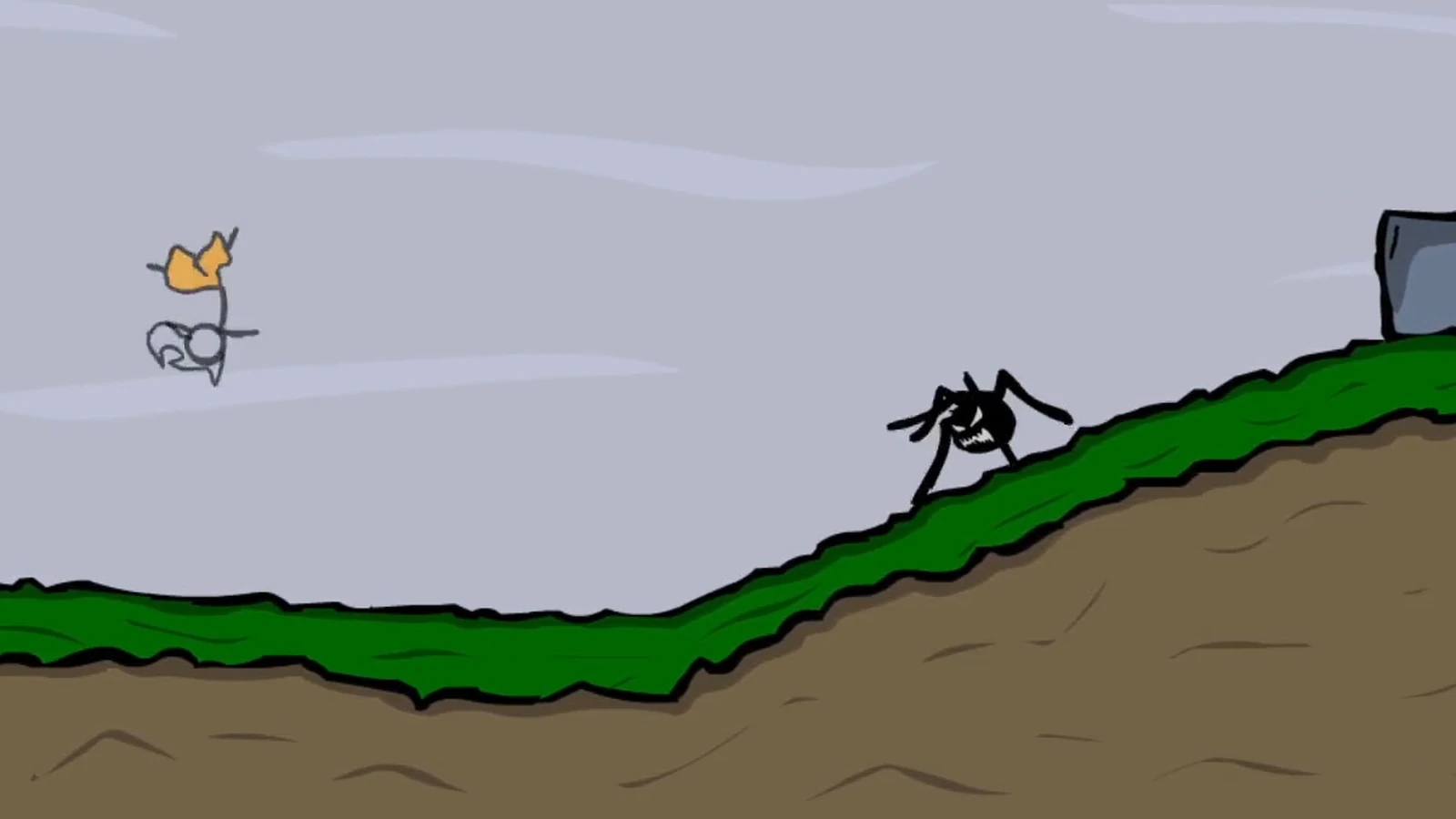
A named route back: Fancy Pants
Start with the creator’s upload
Brad Borne, posting as DrNeroCF, has a Fancy Pants Adventures page on Newgrounds. It is a specific creator-hosted destination, rather than an uncredited mirror or a download advertised as a new Adobe plugin.
Choose the right edition
The creator also sells a remixed World 1 edition for Windows and macOS on itch.io. That is a separate modern downloadable release, not proof that the original Flash build and every behavior are identical. No purchase is required to read this guide.
Check before calling it restored
Look for the current playable route and any host requirements. Our destination check does not certify every level, audio path or saved state. The original Signal Grid puzzle above is a separate companion toy, not a recovered Flash game.
DrNeroCF’s original Newgrounds submission · The creator’s remixed World 1 edition.
A practical route back to a favorite
Begin with the original creator’s site or an authorized re-release. Look for an official modern version before searching for loose files. If a preserved version uses emulation, read its project notes and verify that it is a version you are entitled to access.
Use the official Ruffle distribution page if its supported tools fit the situation. Follow the current instructions rather than an old tutorial that depends on a retired browser plugin. The availability of a file does not itself grant permission to republish it on another website.
For NostalgiaSignal, that means we can explain a historically important game, link an authorized playable version and make original companion features. Embedding somebody else’s recovered work requires a separate rights decision. Our little puzzle avoids that uncertainty because its code and presentation are original to this article.
Preserve the reason people clicked
Try Signal Grid once, then ask what made you stay: a clear rule, immediate feedback, a short path to understanding or the pleasure of sharing a small discovery. Those qualities did not retire with Flash Player.
Keeping browser-game history alive means preserving files and context, crediting creators and describing limitations. It also means remembering that a memorable interaction can be small enough to fit inside an ordinary web page.
Destination check, October 26, 2026: the creator’s Newgrounds submission launched through its current Ruffle player to the World 1 title menu. The old author comment asking for Flash Player 8 describes the historical release; it is not current installation advice. This was a launch check, not a test of every level, audio path or save state.
Sources and further reading
- Adobe Flash Player end-of-life notice — official retirement dates and uninstall guidance
- Ruffle compatibility — current project-reported implementation limits
- Ruffle source repository — primary emulator project documentation
- Official Ruffle downloads — current supported distributions and instructions
Keep the field notes
A handy reference for the next time this question comes up.
Open the full-size card ↗Save the PNG ↓
Follow the signal
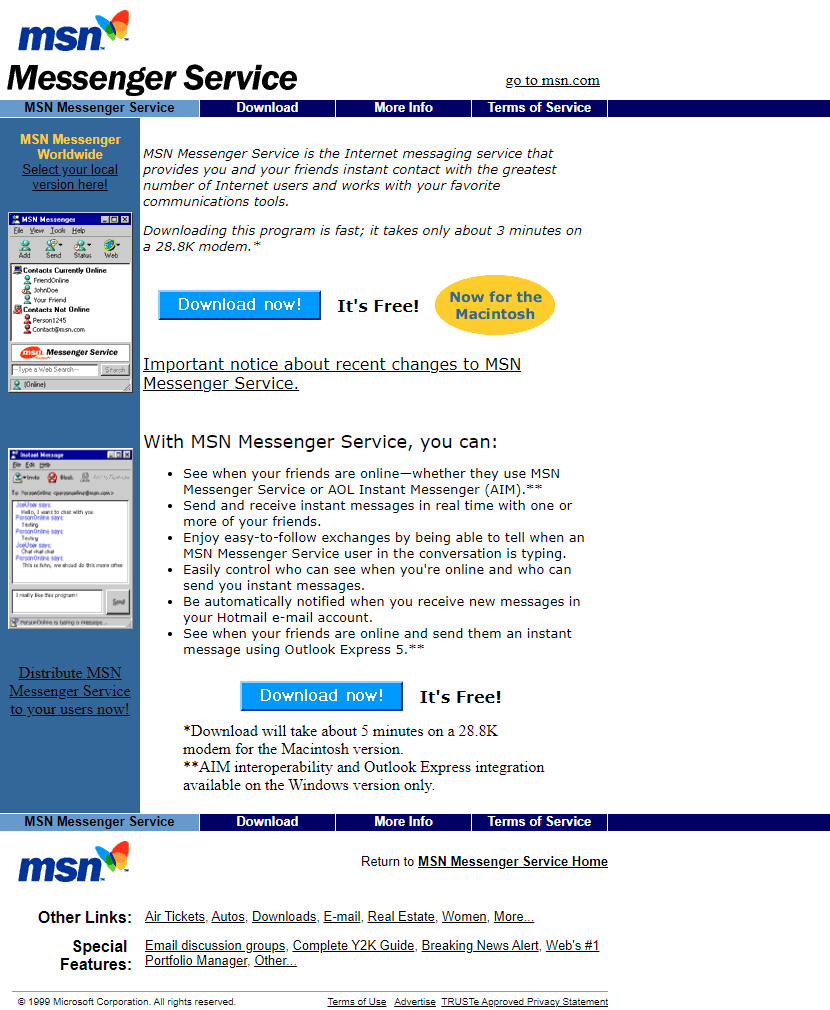
- What Happened to MSN Messenger? The Chat App That Defined a Generation — Another online experience whose service mattered as much as its interface.
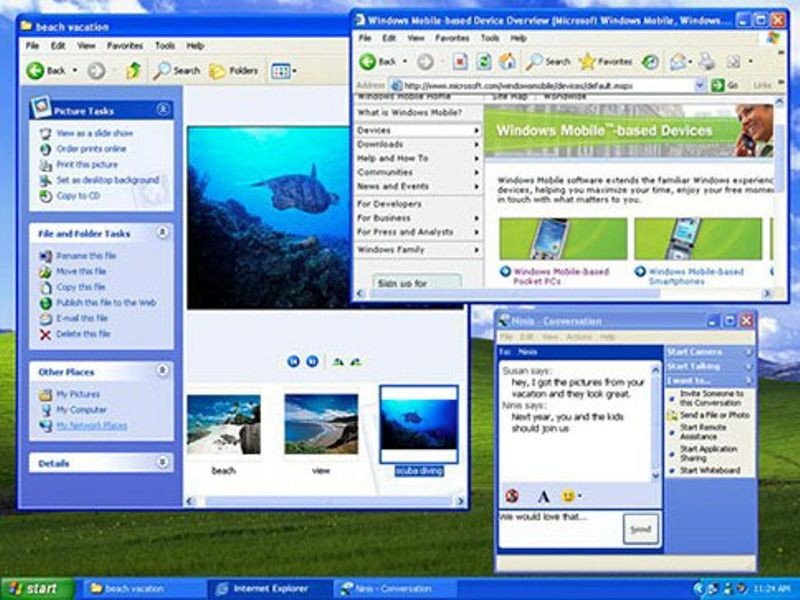
- Windows XP: How an Operating System Became a 2000s Icon — Revisit the desktop around those browser tabs.
- What Happened to MySpace? Life Before the Facebook Feed — Remember the web as a place people decorated.