INSIDE THE MACHINE / THE NOSTALGIA FILES
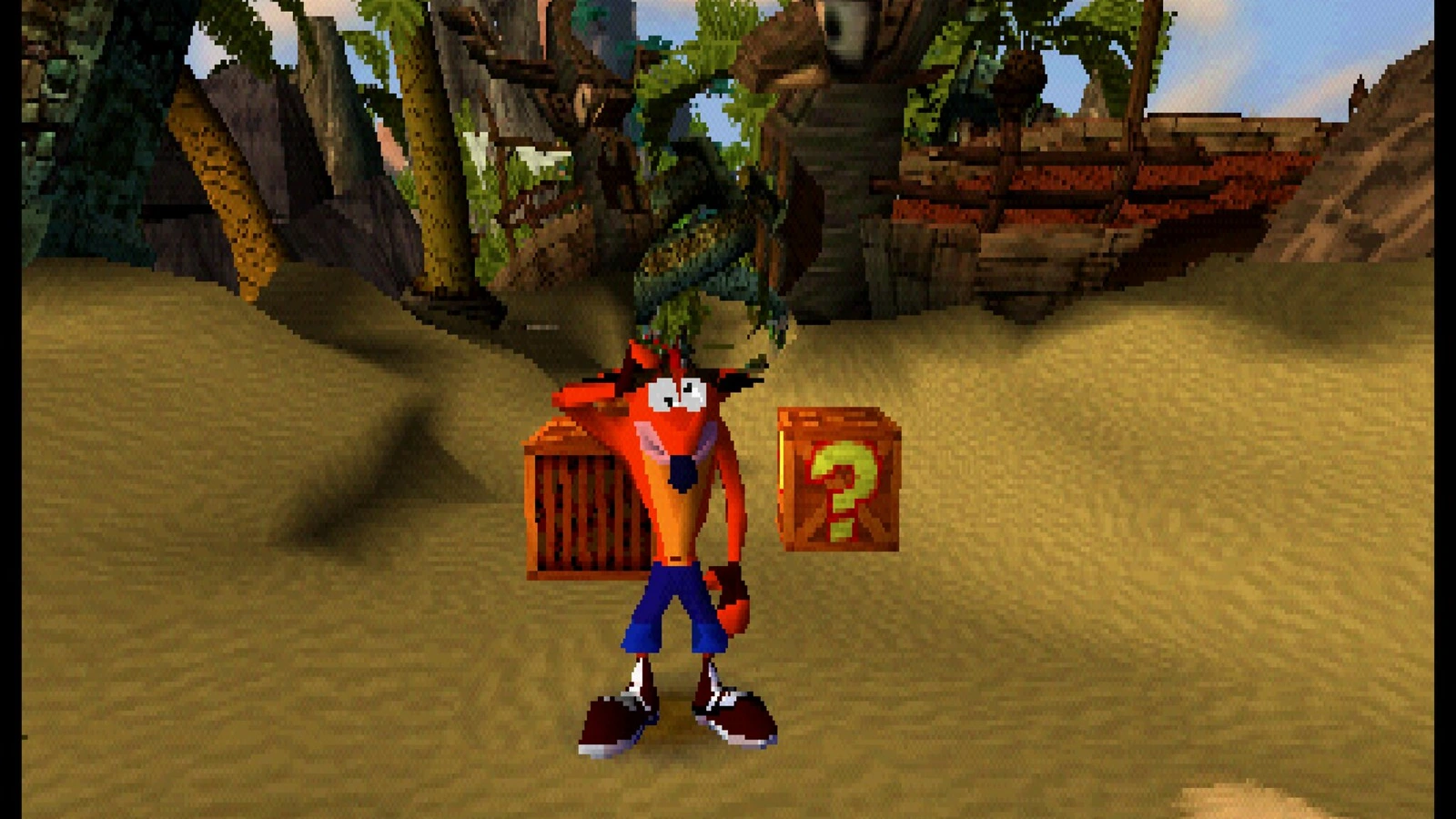
PlayStation graphics can wobble for two different reasons: projected polygon corners are placed at integer screen positions, and textures are mapped without perspective correction. The first can make edges twitch; the second can make a floor or wall look as if its surface is sliding.
Once you separate those effects, the original PlayStation becomes easier to read. A shaking corner and a bending checkerboard may appear together, but they are not the same mistake—and neither means that Sony’s console was incapable of calculating a three-dimensional world.
Here is a way to recognize the two effects without mistaking a low-resolution texture, a low frame rate, or a scratched disc for the cause.
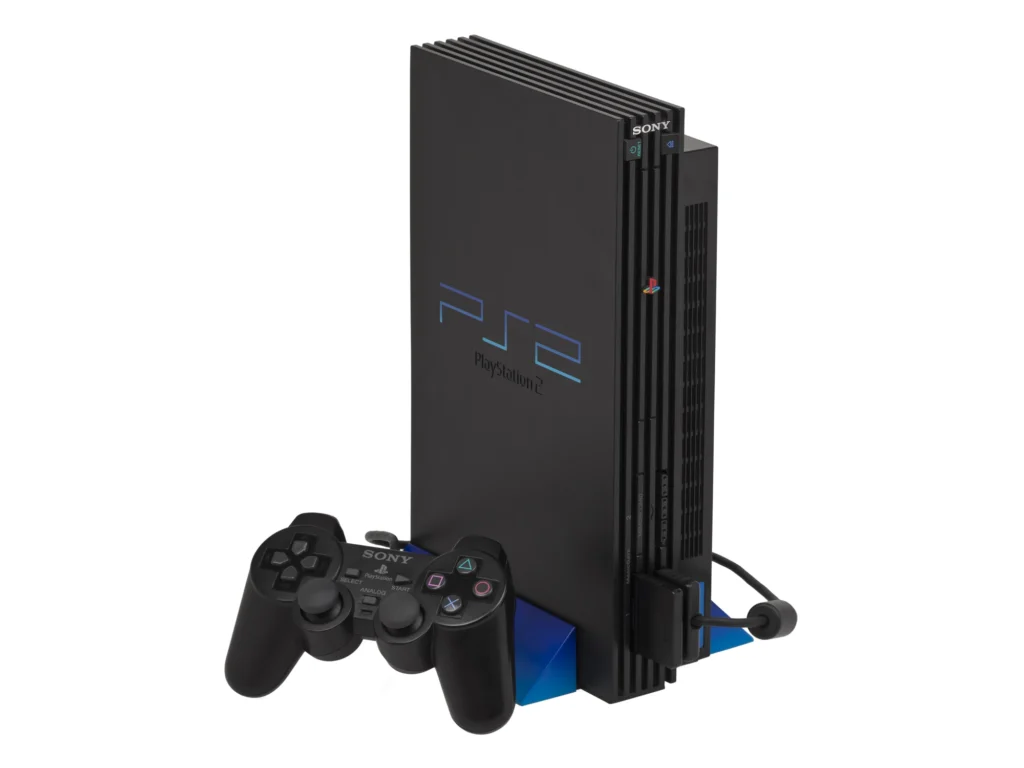
Console photograph: Evan-Amos, public domain. The diagrams below are original educational illustrations, not game screenshots.
Make the corners jump.
Move the slider slowly. With the box checked, the corners move in little jumps. Uncheck it and compare.
How it works
A continuously changing projected coordinate can round to the same integer for several small movements, then jump to the next pixel. That produces a stepping corner. Affine texture mapping is a different process: interpolation on a projected polygon does not correct for depth in the same way as perspective-correct mapping.
Original projection-and-rounding model, enlarged four times so the steps are visible. The four corners have different depths and cross rounding boundaries independently. This is not PlayStation hardware emulation. The article separately explains why textures can bend or swim.
THE FIELD NOTES / TRY THIS
What to watch in the moving outline
Move slowly, then compare
The demo projects a tilted four-corner surface. The nearer and farther corners change by different fractional amounts. With rounding on, each corner crosses its own boundary; the shape can alter slightly instead of merely sliding as one block.
Keep the scale in mind
The conceptual coordinate grid is magnified four times. This makes the change easier to see; it does not measure the size or frequency of artifacts in a real PlayStation game. The texture comparison below explains a separate effect.
Start with the symptom
| What you see | What to look at | Likely explanation |
|---|---|---|
| A corner holds still, then jumps | The silhouette of an object during slow movement | Limited screen-coordinate precision |
| A tiled floor bends or swims | Lines painted across a surface receding into the distance | Affine texture mapping |
| One polygon suddenly draws over another | Which surface appears in front | Drawing-order and depth-sorting problems |
| The entire animation advances unevenly | The whole picture rather than one edge | Frame pacing or frame-rate limitations; a separate issue |
This table is a viewing guide, not a diagnosis for every individual game. Animation choices, geometry, camera behavior and software tricks can change how obvious each artifact becomes.
How a 3D corner becomes a point on your TV
A game begins with positions in a three-dimensional world. Those positions must be transformed relative to a camera and projected onto a flat screen. An object farther away should take up less space. That perspective calculation happens before the screen fills with colored pixels.
The PlayStation’s Geometry Transformation Engine helps with this work. Its documented screen-coordinate outputs have no fractional portion: the X and Y values describe integer positions. The psx-spx GTE reference distinguishes those outputs from internal values that do retain fractional precision.
That difference matters. It is inaccurate to say that the console has no precision anywhere. The loss we care about is at a particular handoff: a projected location becomes a location the drawing hardware can use.
Imagine moving a paper triangle a tiny distance across a grid. If every corner must land on a grid intersection, some small movements produce no visible change. Then one corner crosses a boundary and moves a whole step. Other corners may cross their boundaries on different frames. A shape that should move as one piece appears to adjust itself.

Why a texture can move differently from its polygon
Now imagine attaching a checkerboard to that triangle. The corners tell the console where to draw the shape. Texture coordinates tell it which part of the checkerboard belongs at each corner. Between the corners, the hardware has to work out which texture point belongs at each screen pixel.
The PlayStation GPU uses linear interpolation across the screen for this task. That approach is called affine texture mapping. It does not perform the depth-aware correction needed to keep a texture looking right as a polygon tilts away from the viewer. The GPU reference’s perspective-rendering explanation describes this distinction directly.
Think of a road disappearing into the distance. Equal distances along the actual road occupy progressively smaller distances in the picture. Simply spreading the texture evenly between projected corners does not preserve that relationship. The outline can look plausible while markings inside it stretch incorrectly.

As the camera moves, the amount of error changes. That changing error is why a surface can seem to breathe. A straight grout line makes it easy to notice; an irregular rock texture may disguise it. Art direction can therefore make the same hardware limitation feel either conspicuous or nearly invisible.
Why developers broke big surfaces into smaller pieces
A smaller polygon covers a smaller change in depth. Splitting a large surface into more pieces can reduce the visible texture error within each piece. It does not add perspective-correct texture mapping to the chip, but it gives the approximation less ground to get wrong.
The tradeoff is work. More pieces mean more geometry to prepare and draw. Developers had to choose where that cost produced the greatest improvement: the road directly in front of the camera, a large wall, or a character whose movement drew the player’s eye.
This is one reason “the PS1 look” is not one universal filter. Camera distance, polygon layout, texture artwork and scene design all matter. Rodrigo Copetti’s hardware analysis illustrates how the console’s graphics choices interact. A modern imitation that adds random shaking to everything can miss the careful choices that made actual games readable.
Where depth sorting fits—and where it does not
The console also lacks a conventional hardware depth buffer. Games commonly arrange drawing commands so that more distant surfaces are drawn before nearer ones. Difficult overlaps can expose mistakes in that ordering.
That explains a polygon appearing in front when it should be behind. It does not, by itself, explain why a checkerboard bends inside a correctly ordered polygon. Treating every artifact as “no Z-buffer” rolls several different design decisions into one misleading answer.
Likewise, more colorful or sharper textures do not automatically fix corner placement. A cleaner image can make the remaining geometry artifacts easier to see.
Try this when revisiting a game
- Find a quiet scene and move the camera slowly. Watch one corner against the background, then watch a line painted across a wall or floor.
- Separate the outline’s movement from the texture’s movement. One can be unstable while the other remains relatively convincing.
- If an emulator offers geometry or perspective enhancements, compare one change at a time. DuckStation documents PGXP-related enhancements; availability and compatibility depend on the game and configuration.
- Keep an unenhanced comparison. “Smoother” and “closer to original hardware” are different goals, and either can be a valid way to play.
The appeal survives the explanation. Early 3D could feel slightly unstable yet still communicate an enormous new space. Knowing where the image bends makes it easier to appreciate the developers who built convincing worlds around those constraints.
For another approach to that transition, read our Nintendo 64 history. Different hardware made different compromises; the memorable part is how games turned them into a visual identity.
Sources and demonstration notes
- psx-spx: Geometry Transformation Engine—coordinate formats and projection outputs.
- psx-spx: Graphics Processing Unit and its GPU miscellaneous reference—drawing and texture interpolation.
- Rodrigo Copetti’s PlayStation architecture analysis—hardware context and graphics tradeoffs.
- DuckStation project documentation—modern enhancement context.
These are source-based explanations and original conceptual diagrams. No claim is made that the diagrams are captures from hardware or that we performed a game-by-game compatibility test.
Keep the field notes
A handy reference for the next time this question comes up.
Open the full-size card ↗Save the PNG ↓

Follow the signal
- Nintendo 64: The Console That Took Nintendo Into 3D — Compare a different early 3D design.
- Crash Bandicoot at 30: PlayStation’s Unruly Mascot — See how games turned limitations into style.
- Tomb Raider at 30: How Lara Croft Became a Gaming Icon — Explore another enduring polygonal identity.