INSIDE THE MACHINE / THE NOSTALGIA FILES
The boss keeps moving, but part of your character disappears. In another crowded moment, the whole game seems to drag its feet. Similar frustration, different clues: watch what vanishes, then watch what slows down.
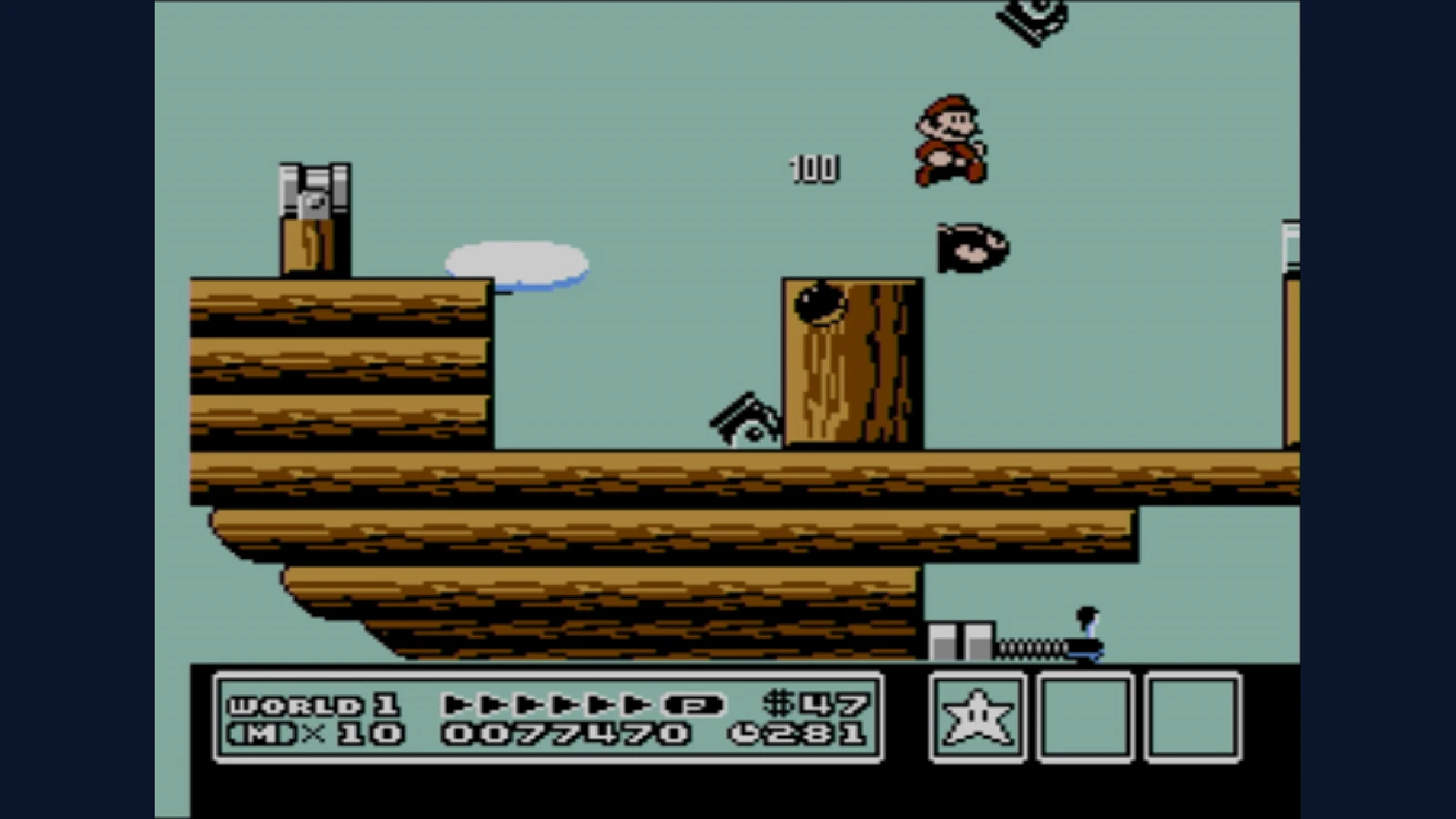
Sprite flicker often comes from the NES’s limit of eight sprites selected for one scanline, combined with software that changes which sprites get priority from frame to frame. Slowdown concerns how quickly the game advances its work. Missing picture pieces and delayed game logic are different symptoms.
Not every flicker has the same cause. A flashing invincibility animation can be intentional, and software can hide sprites for its own reasons. The useful starting point is learning one common hardware constraint clearly.
Put ten sprites on one row
Too many sprites. Too few spaces.
A sprite is a little piece of a game picture. This NES example has room for eight on one screen row. Add more and see who gets left out.
Solid = drawn · Dashed = left out
More settings
How it works
The NES can select up to eight sprites for a scanline. A scene with ten on that row omits two. Keeping the same order omits the same two; software that changes the order can alternate which ones are omitted, creating visible flicker over successive frames. CPU slowdown is a separate timing problem.
The boxes represent separate hardware sprites sharing one scanline, not whole game characters. You advance each frame yourself; nothing flashes automatically. Slowdown is a different problem.
Each numbered sprite above crosses the same imagined horizontal screen row, called a scanline. Choose six and everyone fits. Choose ten and two are left out. “Give the others a turn” changes which ones disappear. In More settings, turn off “Take turns” to see the same sprites stay hidden.
Turn rotation on and step again. Software changes the order, so different boxes get selected. The diagram does not flash automatically; you decide when the next frame appears. It isolates selection order rather than reproducing a particular game’s rendering.
One character can contain several sprites
A hardware sprite is a small picture element described to the graphics hardware. It is not necessarily a complete enemy, player or bullet. A game can assemble a larger character from several such pieces.
That means “only three enemies are on screen” does not settle how many sprites intersect a busy row. Parts of those enemies, the player, projectiles and effects can compete in the same horizontal region. Counting complete characters can hide the actual pressure on the graphics system.
The NESdev sprite-evaluation reference describes the selection process and the secondary storage used for up to eight in-range sprites. The constraint applies per scanline, so a scene’s vertical arrangement matters as well as its overall population.
THE FIELD NOTES / TRY THIS
Count the pieces, not the characters
Build one imaginary character
Imagine a character assembled from two side-by-side hardware sprites. A horizontal row through that character now intersects two entries. This is our invented example, not a measurement of a named game.
Put five on the same row
Five such characters demand ten sprite entries on that row. Only eight can be selected. Depending on ordering, you can lose parts of a character rather than two complete characters.
Now separate them vertically
If fewer pieces intersect one row, the pressure changes. The total number of characters on screen is therefore a poor substitute for counting the pieces on a particular scanline.
The hardware omits; software decides how to share
When more sprites compete than can be selected for that row, some do not contribute pixels there. If the ordering remains fixed, the same low-priority pieces can disappear repeatedly. A game can rotate or otherwise manage ordering to distribute that loss over successive frames.
The resulting alternation is what a viewer often calls flicker. In other words, the hardware limit creates a selection problem, while software’s way of sharing priority can make that problem visible as blinking rather than a permanently missing piece.
Our rotation checkbox deliberately separates those two ideas. It would be misleading to say that the graphics chip automatically cycles every crowded object fairly. The program’s arrangement matters, and games can make different tradeoffs about what must stay visible.
The sixty-four-sprite figure answers a different question
The NES has space for sixty-four sprite entries in its object attribute memory. That total is often quoted beside the eight-per-scanline limit, but the two numbers describe different constraints. Having room to describe a sprite does not guarantee it can appear alongside every other sprite on a particular row.
The NESdev OAM reference explains the entry layout. An emulator or diagnostic that shows many stored objects is not, by itself, evidence that all of those objects should contribute visible pixels at once.
Also avoid treating the sprite-overflow flag as a perfectly reliable crowd counter. Hardware research documents bugs in its behavior. The broad visual explanation is useful without turning a simplified flag description into a claim about every edge case.
Slowdown is about time
Suppose a game has more logic to complete than its intended update schedule allows. Depending on its design, the action may advance less often or respond differently. That is a timing and software-workload issue, rather than the same thing as selecting too many picture pieces for a row.
The NESdev frame and NMI guide describes the relationship among frames, updates and the work programs arrange around display timing. Actual games can structure those jobs differently, so “too many enemies” is a scene description, not a complete diagnosis.
Crowding can contribute to both symptoms in one battle. It can require more game logic and more overlapping sprites. Their shared trigger does not make their underlying mechanisms identical.
A better way to watch a busy scene
Look first at what disappears. If only pieces of characters alternate while other motion continues, sprite selection is worth investigating. If the whole action advances in a different rhythm, consider update timing. If a character blinks after damage, consider a deliberate visibility effect.
Those observations are clues rather than universal tests. The payoff is a more precise appreciation of what developers managed: drawing, timing and playability all had budgets, and a scene could stress more than one at once.
Sources and further reading
- NESdev: PPU sprite evaluation — hardware investigations of selection and overflow behavior
- NESdev: PPU OAM — sprite entries and object attributes
- NESdev: the frame and NMIs — program timing and frame-update context
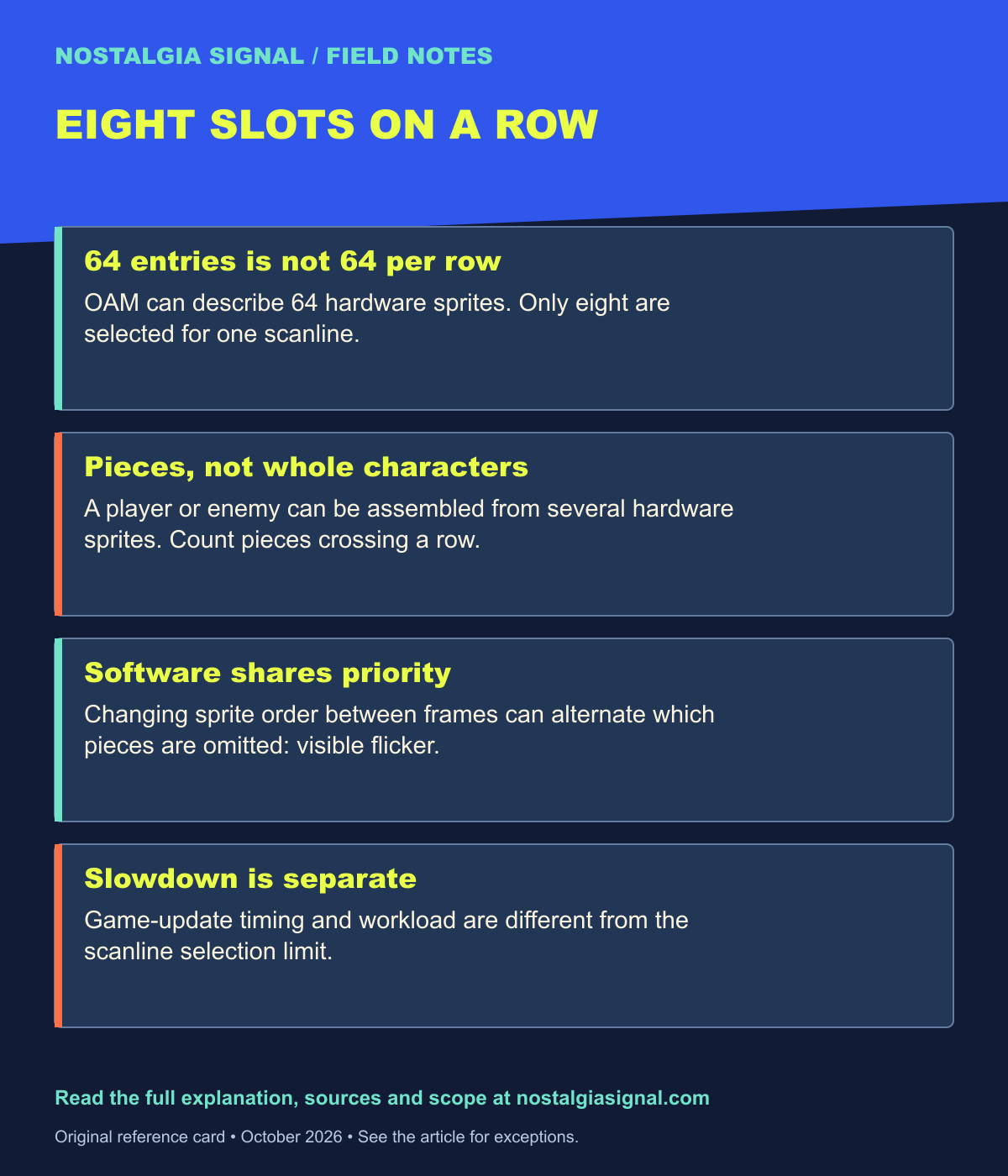
Keep the field notes
A handy reference for the next time this question comes up.
Open the full-size card ↗Save the PNG ↓
Follow the signal
- Castlevania at 40: The Castle That Reinvented Itself — Watch the constraints inside a demanding action series.
- Nintendo 64: The Console That Took Nintendo Into 3D — See how later hardware changed the visual workload.
- Crash Bandicoot at 30: PlayStation’s Unruly Mascot — Follow the next era’s different rendering compromises.