RETRO FIELD GUIDE / THE NOSTALGIA FILES
Two Game Boys, two games, one cable. This ought to be the easy part. Then the trade menu refuses to cooperate, because a connector that fits is only one piece of the puzzle.
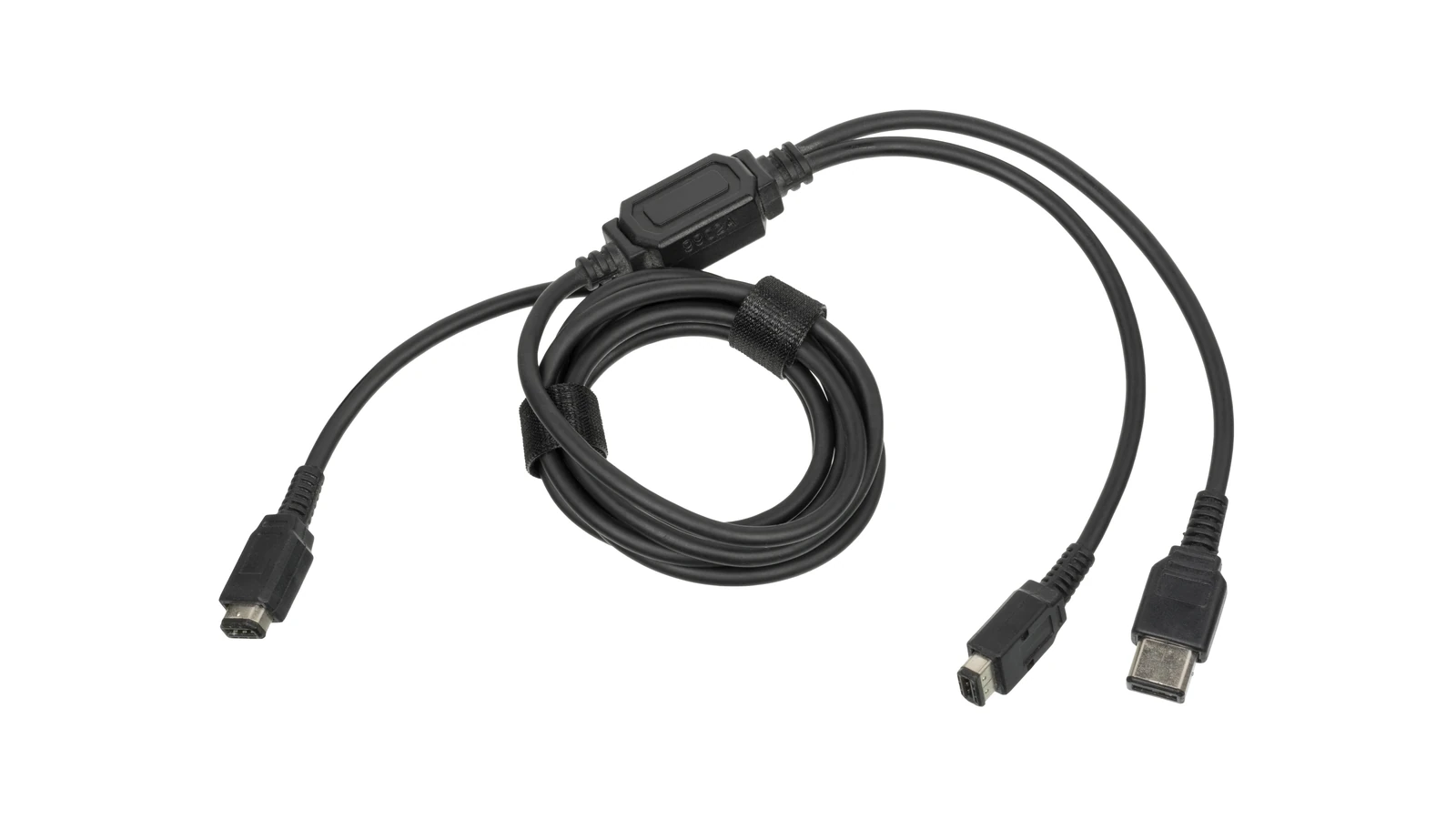
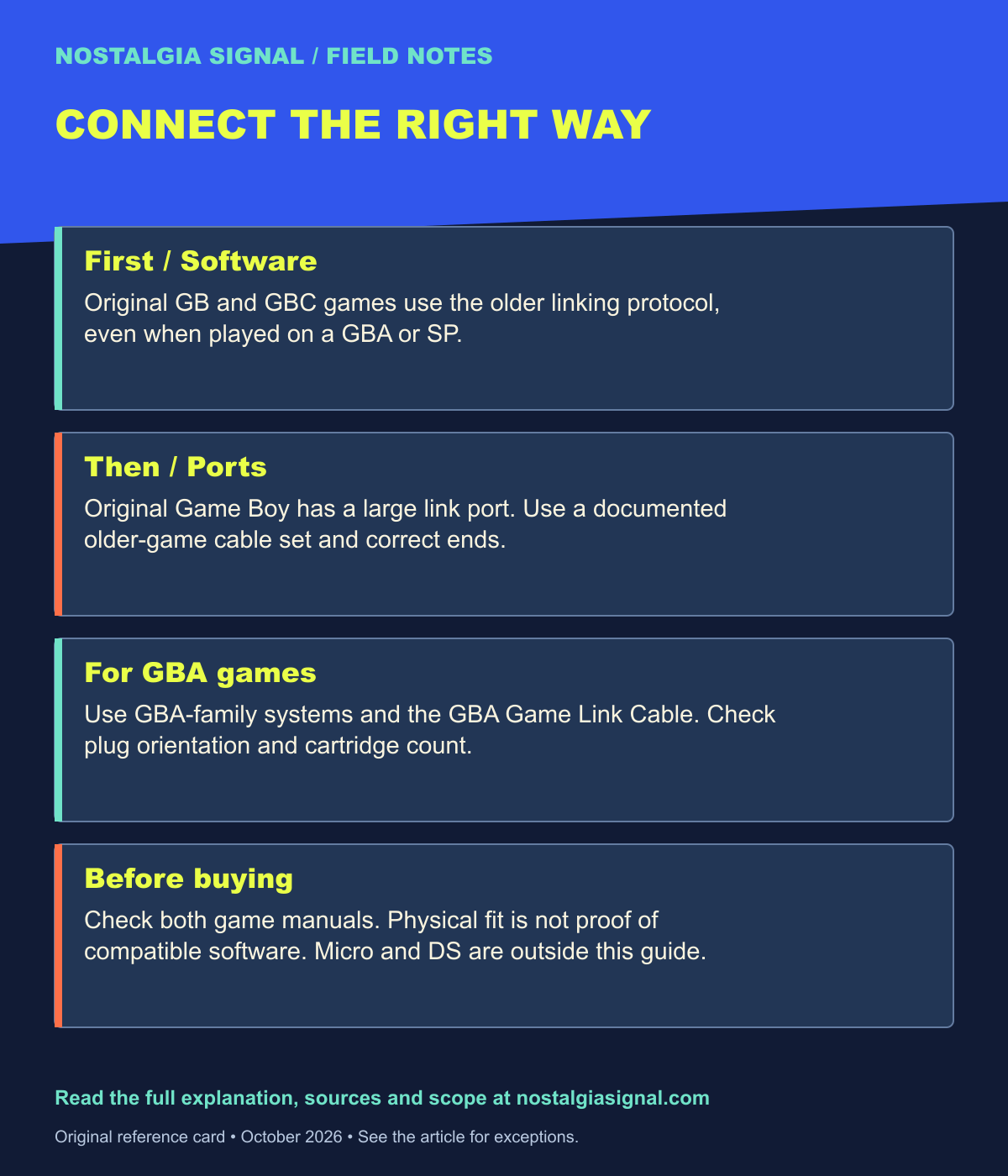
Choose a Game Boy link cable by both the handheld connectors and the software generation. Original Game Boy and Game Boy Color games use the older linking arrangement, including when played on a GBA or GBA SP. Game Boy Advance multiplayer uses the GBA Game Link Cable and compatible GBA software.
Physical fit is only the first checkpoint. The games must also support linking to each other, and the required number of cartridges can vary.
Start with the games on the table
Can these Game Boys play together?
Choose the two handhelds and the kind of game you want to play.
How it works
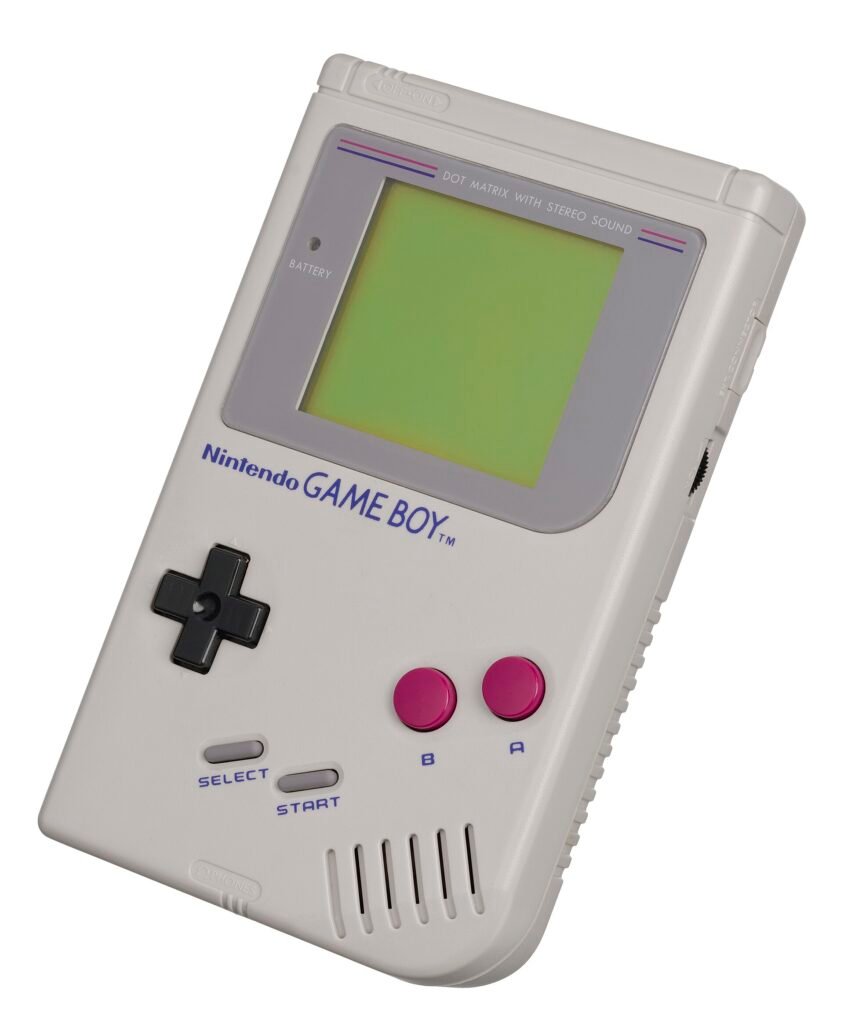
Original Game Boys have the larger link port. Pocket, Color, GBA and SP use the smaller older-game connection. Use a documented cable set with the correct ends. For original GB/GBC software, use an older GB/GBC-protocol cable, including on GBA/SP. GBA software requires GBA-family systems and the GBA Game Link Cable. A physical fit does not establish software compatibility.
Check both game manuals before buying a cable. This two-player guide does not cover every game, the Micro, DS, wireless adapters or third-party cable designs.
The selector covers two-player wired connections among the original Game Boy, Pocket, Color, GBA and GBA SP. It deliberately leaves Game Boy Micro, DS, wireless adapters, GameCube connections and unusual third-party cable designs outside its answer.
Select the software mode actually being used. A cartridge that supports an older system as well as Color is different from a Color-only game. Choosing “Color-only” means both handhelds must be capable of running that software; a cable cannot upgrade an original Game Boy’s game support.
| Software and systems | Cable family | Check first |
|---|---|---|
| Original GB games; two original Game Boys | Original large-port cable | Both games support the intended link mode. |
| Original GB games; original Game Boy plus a later supported handheld | Older GB/GBC cable set with correct large-to-small adapter | Documented ends and software compatibility. |
| GB/GBC games on Pocket, Color, GBA or SP | Older GB/GBC-protocol small-port cable | Color-only games need Color-capable systems; some older game exceptions exist. |
| GBA games on GBA and/or SP | GBA Game Link Cable (AGB-005) | Plug orientation, player count and cartridge count in the game manual. |
| GBA software on original GB, Pocket or Color | No compatible cable arrangement | The older handheld cannot run the software. |
THE FIELD NOTES / TRY THIS
Three pairings you can actually identify
Original Game Boy ↔ original Game Boy
Compatible original GB games need the older protocol and two large original-system ends. DMG-04 is the original cable model. Confirm the games’ own linking mode.
SP ↔ SP, running older GB/GBC games
Use the documented older-game cable arrangement. Two identical SP shells do not turn an older cartridge into GBA software. Color-only software remains a separate software-compatibility check.
SP ↔ SP, running GBA games
Use the GBA Game Link Cable, AGB-005. Check the player-one plug, supported number of players and required cartridges in the game’s manual. The connector fitting is only one part of the answer.
First divide: the older games and GBA games
Nintendo’s GBA Game Link Cable instruction card restricts that cable to GBA-family systems and GBA games. For original GB/GBC games it points owners to the Universal Game Link Cable Set instead.
That is the common surprise. A GBA SP can play an older cartridge, but it does not turn that cartridge’s multiplayer features into the GBA linking protocol. The software’s generation still matters after the cartridge has successfully booted.
Treat the cartridge as the activity you are trying to arrange, and the handheld as one participant. A compatible participant is necessary, but the activity still determines which communication equipment belongs between them.
Second divide: the connector ends
The original Game Boy uses a larger link connector than the later Pocket/Color-style connection. The Universal Game Link Cable Set provides a documented way to bridge supported older-game combinations, using the appropriate adapter for the original system.
The GBA SP manual explains both the older-game cable setup and the separate GBA setup. It also warns that some older two-player games may not operate properly because of differences between systems. A general guide should preserve that exception rather than promise universal success.
If both systems are original large-port Game Boys, an original matching cable is the straightforward arrangement. If only one is original, verify that the cable set supplies the correct large-to-small connection. If neither is original and the software is GB/GBC, choose the documented older-game small-port configuration.
A real example: two SPs are not enough information
Put two GBA SP systems side by side. If they are playing compatible original Game Boy games, the older-game cable arrangement applies. If they are playing compatible GBA games, the GBA Game Link Cable applies instead.
The outside of the handhelds has not changed. The program running inside them has. This is why a listing titled “fits Game Boy Advance SP” does not, by itself, tell you whether the cable will support your intended session.
For GBA multiplayer, follow the documented connector orientation. Nintendo’s instruction card identifies the player-one connection and explains how additional cable connections are arranged. Do not guess from which plug reaches most conveniently across the sofa.
One cartridge or two?
Some GBA games offer single-cartridge multiplayer, with other systems receiving the necessary session data. Others require a game cartridge for every participant. A cable cannot add a single-cartridge mode to software that was never designed to offer one.
Before troubleshooting the connection, check the box or manual for supported players, cartridge count and the exact menu procedure. Linking two different games is not automatically supported because both contain a multiplayer icon. Trading, battling and shared minigames each depend on the software.
Before you buy another cable
Identify each handheld and the exact game version. Confirm that both systems can run the intended software mode. Match the cable family to that mode, then match its ends to the hardware. With power off, connect according to the manufacturer’s instructions before following the game’s multiplayer startup steps.
If the combination remains uncertain, leave the answer uncertain until you can check the exact documentation. Avoid forcing a connector or assuming a third-party multi-plug design internally behaves like every cable it resembles.
The memorable part of linking was another person sitting within reach. Getting back to that moment is easier when the shopping question becomes precise: these two systems, these games, this documented connection.
Sources and further reading
- Nintendo GBA Game Link Cable instructions — software generation, plug orientation and cartridge requirements
- Nintendo GBA SP manual — older-game cable set, adapter and compatibility exceptions
- Nintendo Universal Game Link Cable Set support — official supported-system guide, in German
Keep the field notes
A handy reference for the next time this question comes up.
Open the full-size card ↗Save the PNG ↓
Follow the signal
- Pokémon at 30: How a 1996 Game Became a Worldwide Obsession — Why a local connection became a social phenomenon.
- Nintendo 64: The Console That Took Nintendo Into 3D — Another generation of Nintendo accessories.
- Tamagotchi: The Tiny Virtual Pet That Took Over the World — More pocket-sized technology with a social life.