PRESS PLAY / THE NOSTALGIA FILES
Put two 16-bit games side by side and the speakers can give away the console before the picture does. One familiar sound might bloom and fade; another might bite straight through the drums. The reason starts with how each machine builds an instrument.
The SNES usually plays short stored samples to make its instruments. The Genesis mainly uses FM synthesis, alongside a programmable sound generator and a channel capable of playing digital samples. That gives composers different raw materials. It does not assign one machine all the warm sounds and the other all the sharp ones.
Before you press play: these are original modern demonstrations of FM synthesis and stored-waveform playback, not recordings of an SNES or Genesis. Both use the same short note sequence. The two-operator FM example does not reproduce the Genesis’s full four-operator architecture, and the waveform example does not implement the SNES audio pipeline.
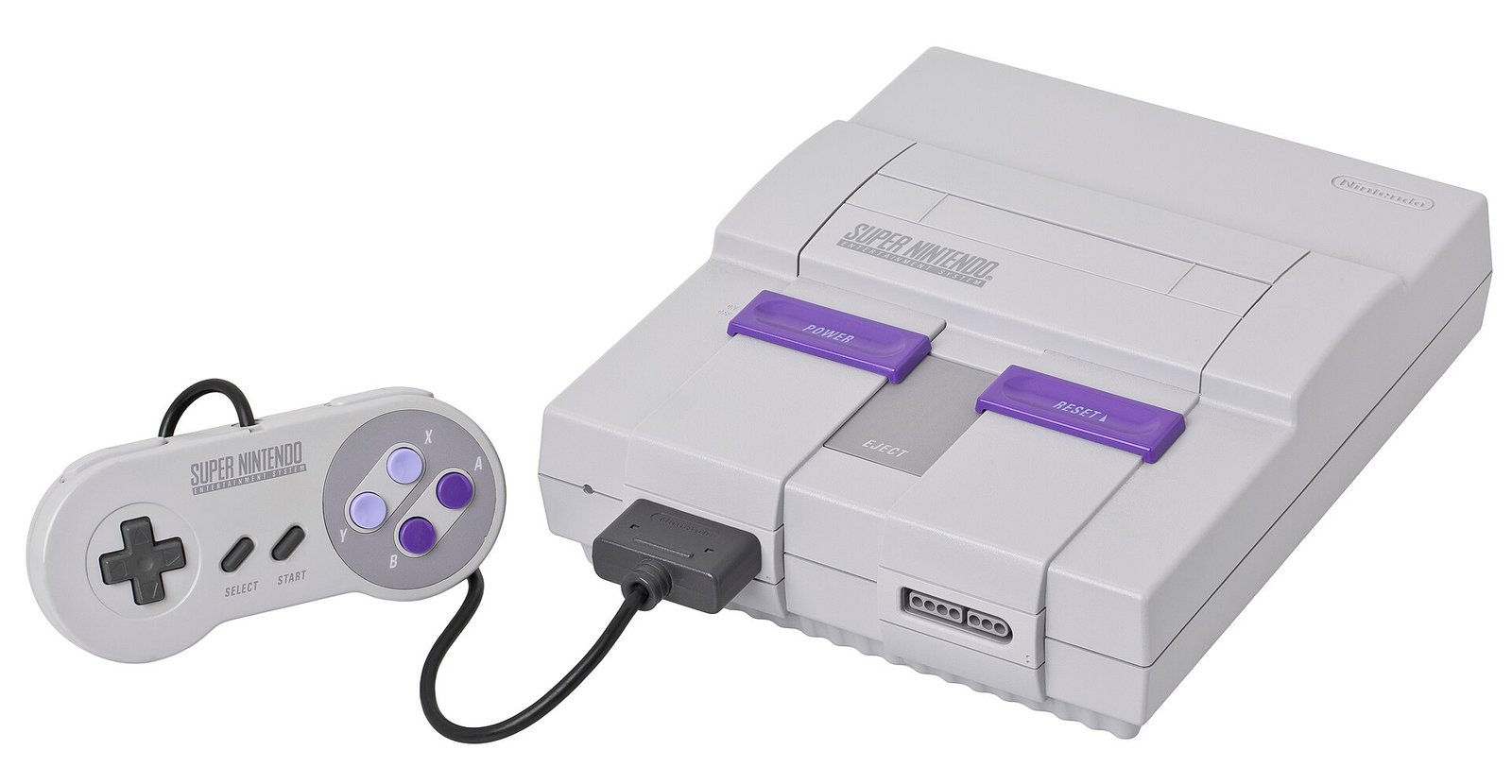
SNES console photograph: Evan-Amos, public domain.
Same tune. Two different sounds.
These are original modern FM and stored-waveform demonstrations, not console recordings. Press play on A, then B. Which sound do you like? Playing one stops the other.
Example A
Example B
A builds a sound from waves. This method is called FM synthesis. B replays a stored sound at different pitches. This is sample playback.
Both are modern original demonstrations, not console recordings, hardware emulation, or a test proving one console sounds better.
How it works
Example A uses frequency modulation; Example B uses sample playback. Genesis music can combine FM, PSG and PCM. SNES sound uses a separate audio subsystem and sampled instruments. Composition, drivers, samples, mixing and output hardware matter too. The article includes direct audio links if the controls are unavailable.
Listen: making a tone versus replaying a tone
Example A: a two-operator FM instrument. A sine-wave carrier is modulated by another sine wave. The modulation changes during each note, creating a bright attack that settles as the sound decays.
Listen in the comparison lab above, or download this original audio example.
Example B: a stored waveform played at different pitches. A short, original harmonic waveform is read repeatedly at different speeds and given a plucked envelope. The waveform is the starting material; playback turns it into a sequence of notes.
Listen in the comparison lab above, or download this original audio example.
What these clips do not prove: neither is a console recording or cycle-accurate emulator. The FM example uses two operators, rather than implementing the YM2612’s full four-operator architecture. The sample example does not implement SNES BRR decoding, Gaussian interpolation or its echo unit. Different patches could sound much closer to each other. This is a demonstration of the workflow, not a sound-quality contest.
The Genesis: build the instrument from operators
The Yamaha YM2612 provides six FM channels, with four operators available to form each FM voice. An operator is a small sound-producing building block. Connecting operators in different ways changes the resulting spectrum and how it develops over time.
A useful mental picture is a recipe. Instead of storing a recording of a brass note, the sound driver supplies settings that describe how operators should interact. An envelope controls how the sound attacks, changes and releases. The recipe can produce a forceful bass, a glassy bell or a much softer tone.
Sega’s archived sound documentation describes the FM system alongside the PSG. The PSG adds tone and noise resources that can be mixed with the FM parts. Its presence is why reducing Genesis music to “six sounds at once” leaves out part of the instrument rack.
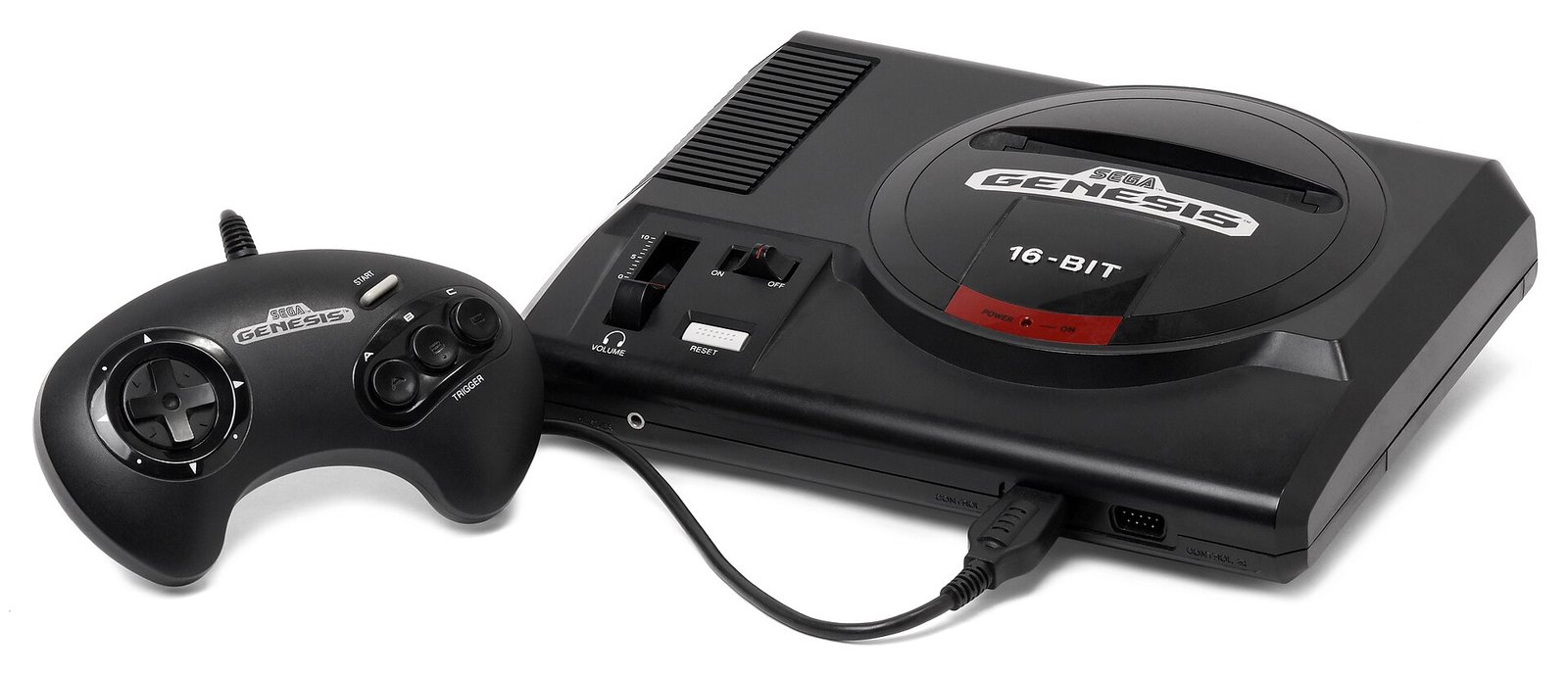
The Genesis can also play digital sample data through the YM2612 DAC mode. Doing so replaces FM output on channel six. Software has to supply that data at the right times, so the sound driver’s design becomes part of the audible result. “FM-based” therefore does not mean “unable to use recorded sound.”
The SNES: choose the sound, then make it fit
The SNES audio subsystem contains a dedicated processor, a DSP and 64 KiB of audio RAM. Its DSP offers eight voices that can play compressed BRR samples. The SNESdev hardware reference documents those components separately—a useful correction to calling the whole audio system simply “the SPC700.”
That RAM is not an empty box reserved entirely for instruments. The sound program, musical data and other audio state need space too; the echo buffer also uses audio RAM. A composer and programmer must decide what earns a place in that working set.
An instrument might start as a short recording or a deliberately created waveform. It can be trimmed, compressed and looped so a small piece sustains longer. Playing it at a different rate changes its pitch. The result depends on the source, the loop and the envelope as much as the word “sample.”
BRR’s documented block format stores groups of 16 decoded samples in nine bytes. That is a storage mechanism, not a promise that every SNES instrument is a realistic recording. Tiny loops and intentional synthetic sounds can be exactly the right artistic choice.

Why SNES echo became part of the memory
The S-DSP includes an echo path with filtering and feedback. A delayed contribution from earlier sound can be mixed with the current output. It can help a tiny instrument feel as if it occupies a much larger space.
The DSP register documentation shows that echo is controllable, including which voices feed it. That makes it a production choice, not a permanent blanket over every song. Its settings, the available RAM and the arrangement all influence what you hear.
A spacious soundtrack may consequently owe part of its character to how modest sources were staged and mixed. The comparison is closer to arranging a room for a small ensemble than to owning a magic “orchestra” switch.
Listen past the console-war shorthand
| Question | Genesis / Mega Drive | SNES / Super Famicom |
|---|---|---|
| Common starting material | FM operator settings; PSG tones/noise; digital samples when the driver uses them | Short BRR samples or waveforms replayed by the DSP |
| A central tradeoff | FM patch design and scheduling sample playback; DAC mode replaces FM channel six | Fitting code, musical data, samples and echo into audio RAM |
| Does this determine genre? | No. FM can make more than metallic bass and bells. | No. Sample playback does not require realistic instruments. |
| Is a channel the same as a composer’s track? | No. Musical parts and sound effects compete for hardware resources. | No. Eight voices must accommodate the arrangement and game sounds. |
How to hear the difference more carefully
Compare at similar volume. Pay attention to one bass, one sustained note and one drum rather than judging an entire console from a loud opening chord. Ask whether the instrument changes brightness during a note, whether a short sample seems to repeat, and how much space comes from echo.
Then ask about the arrangement. A sparse piece can reveal a beautifully programmed instrument. A dense piece can hide a weak one. The same hardware can sound remarkably different when its composer, instrument set or driver changes.
The console rivalry gave us a convenient argument. Listening to the work behind the music gives us a better subject. These were small, opinionated sound systems, and the people writing for them learned how to make their constraints expressive.
For the surrounding hardware generation, explore our gaming archive. Our 2001 album retrospective looks at a different moment when production choices shaped a period’s sound.
Sources and audio method
- Exodus archive of Sega’s original technical and sound manuals.
- SNESdev: S-SMP and audio subsystem.
- SNESdev: BRR samples and S-DSP registers.
Both audio clips were created for NostalgiaSignal from mathematical waveforms, use the same four-note sequence and are stored as mono 32 kHz WAV files. The examples have matched peak limits rather than a claim of equal perceived loudness. They illustrate selected instruments, not the sound quality of real consoles.
Keep the field notes
A handy reference for the next time this question comes up.
Open the full-size card ↗Save the PNG ↓

Follow the signal
- 7 Sounds of 2000s Technology You Can Still Hear in Your Head — Hear another era through optional audio.
- 7 Essential Albums From 2001: A Year That Sounded Like the Future — Follow the people and production behind a period’s sound.
- Nintendo 64: The Console That Took Nintendo Into 3D — Move into the next hardware generation.